For coordinators
Everything that needs you, on one page.
See new requests, pick presenters, send the opportunity email and read survey results. No spreadsheet.
Screens from a sample speakers bureau. The people and places are made up.
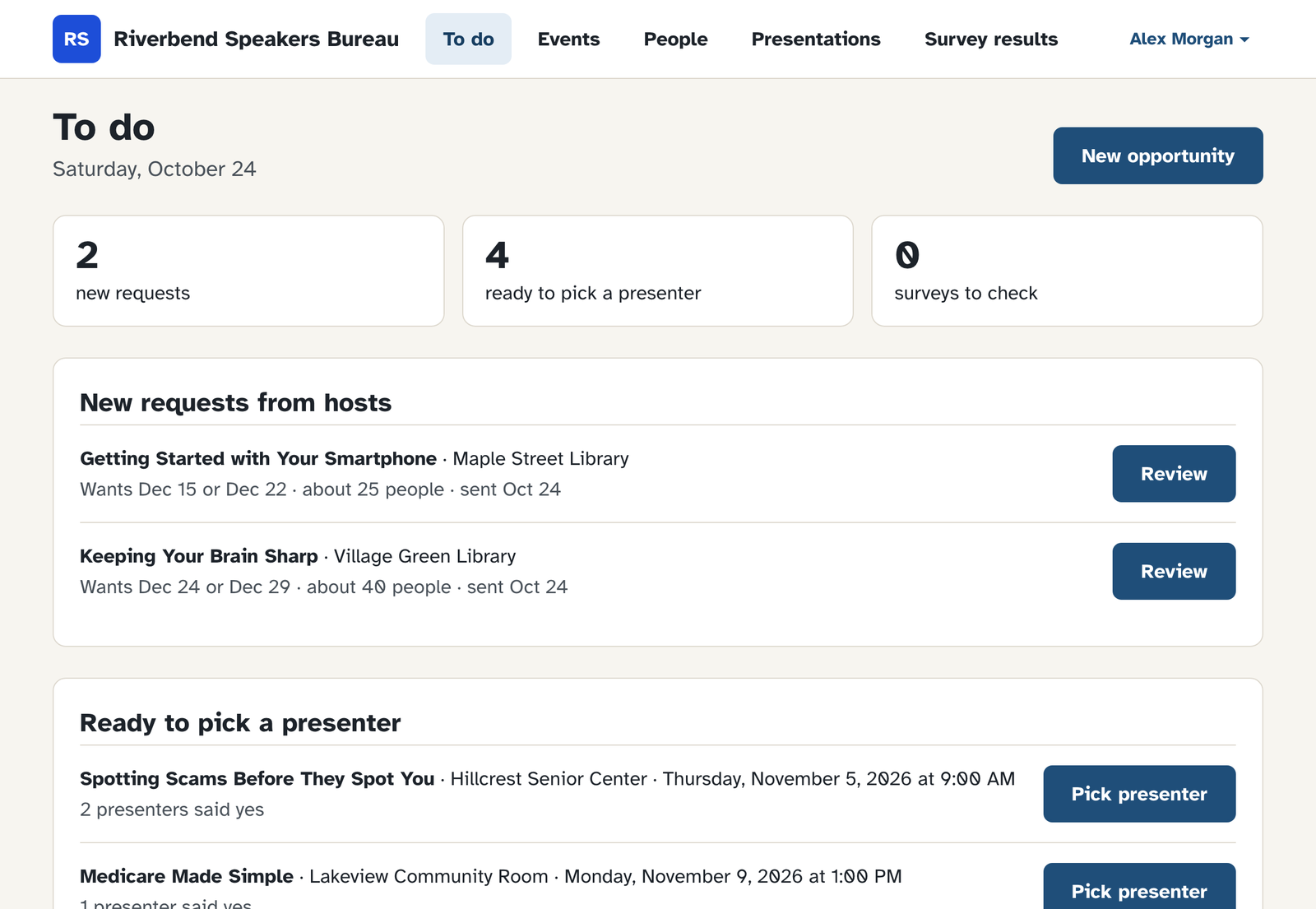
Start the day on To do
New host requests, talks ready for a presenter, and surveys to check. Each one has a button for the next step.
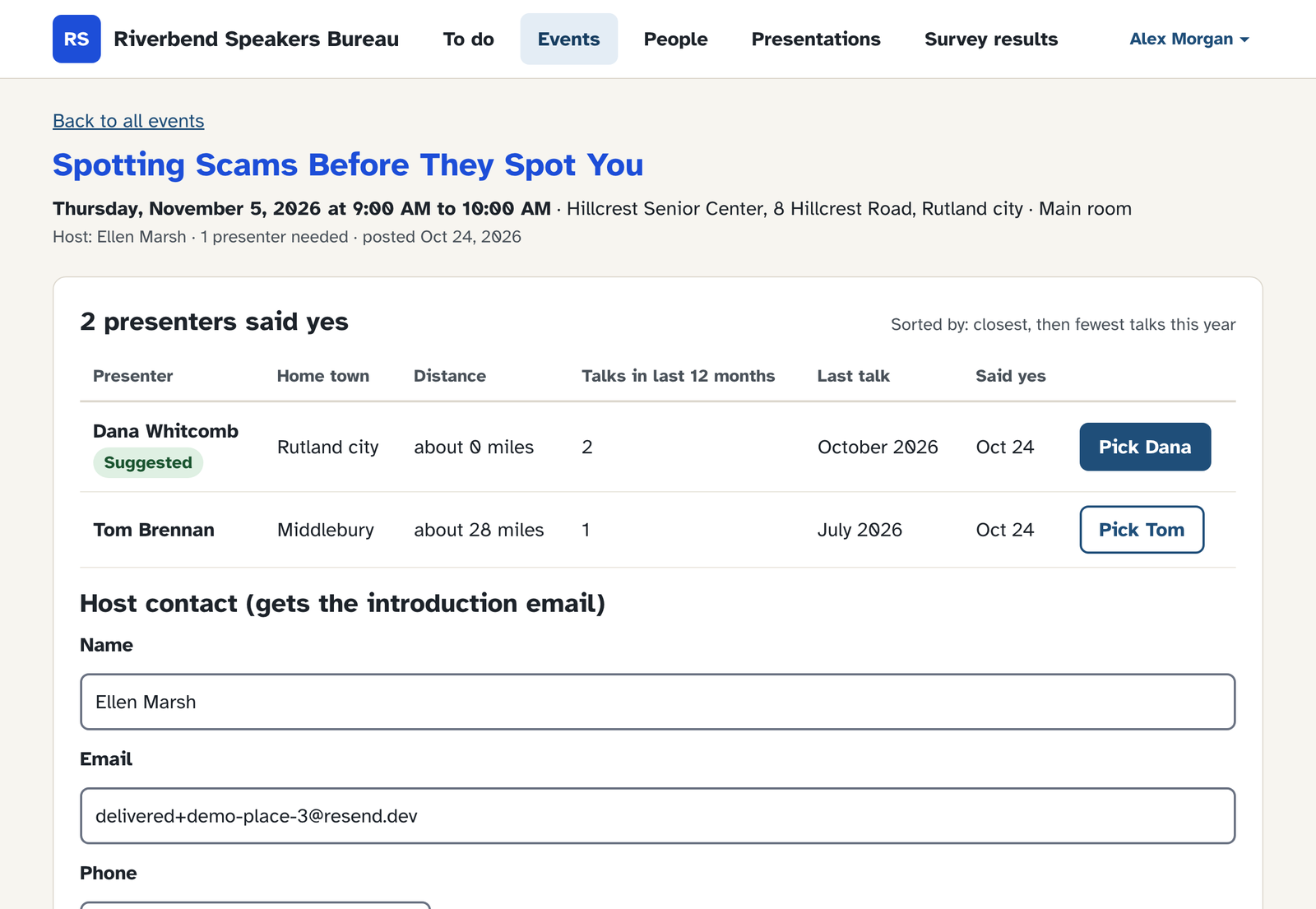
Pick the presenter
See who said yes, closest first, and how many talks each one gave this year. The host contact gets the introduction email.
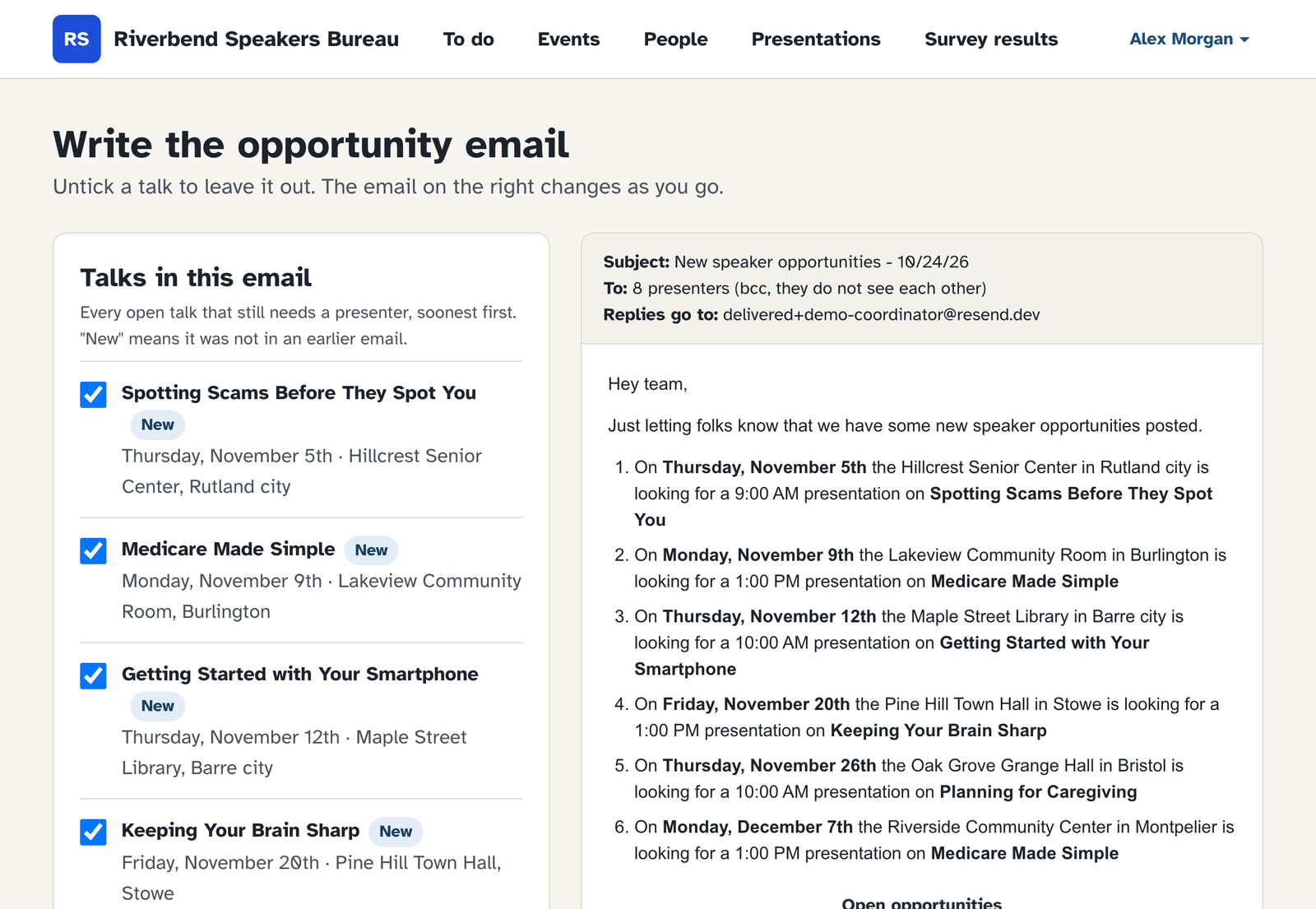
Send the opportunity email
PodiumBoard writes the email from every open talk. Untick a talk to leave it out.
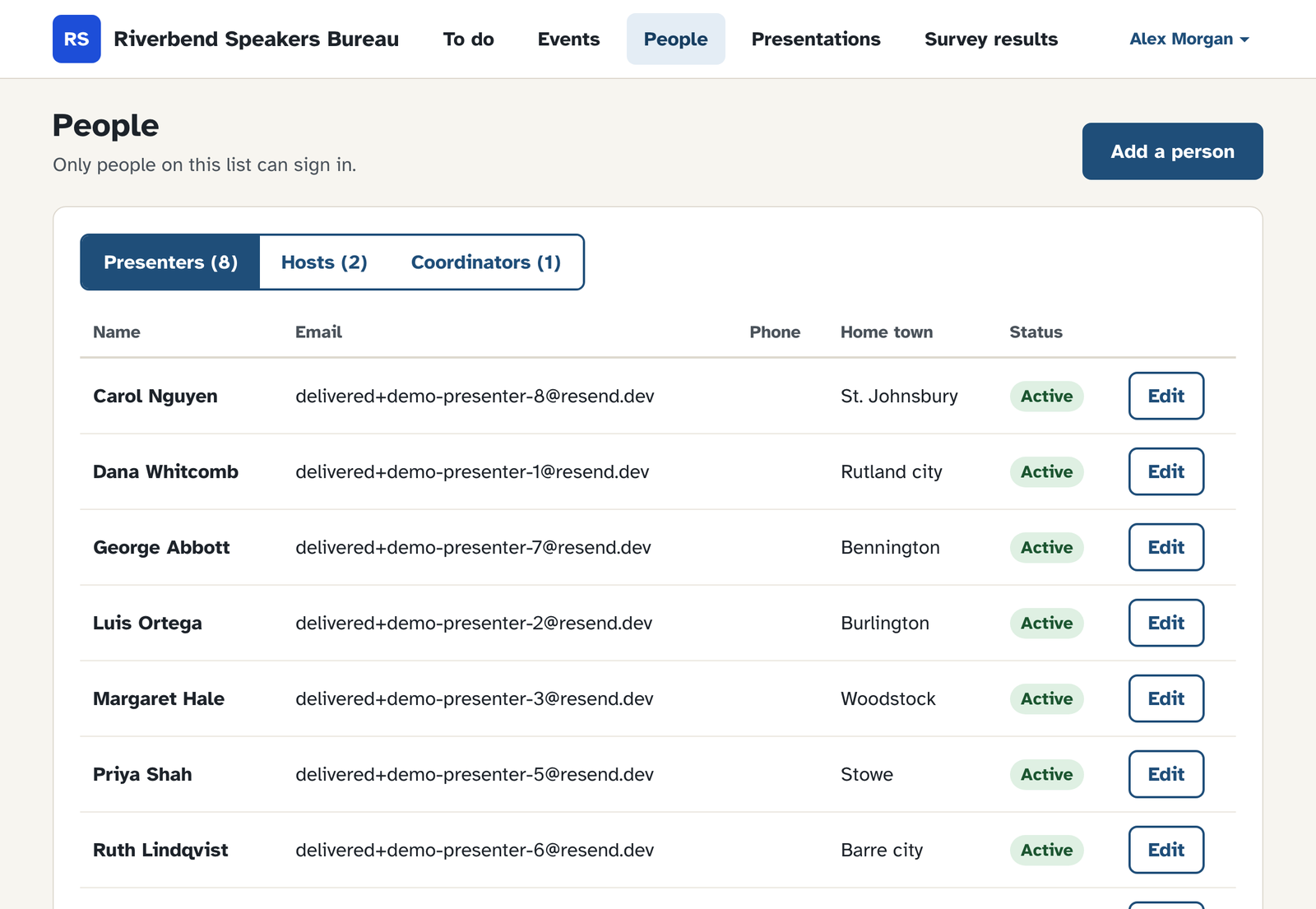
Keep your people in one list
Presenters, hosts and coordinators, with their home towns. Only people on the list can sign in.
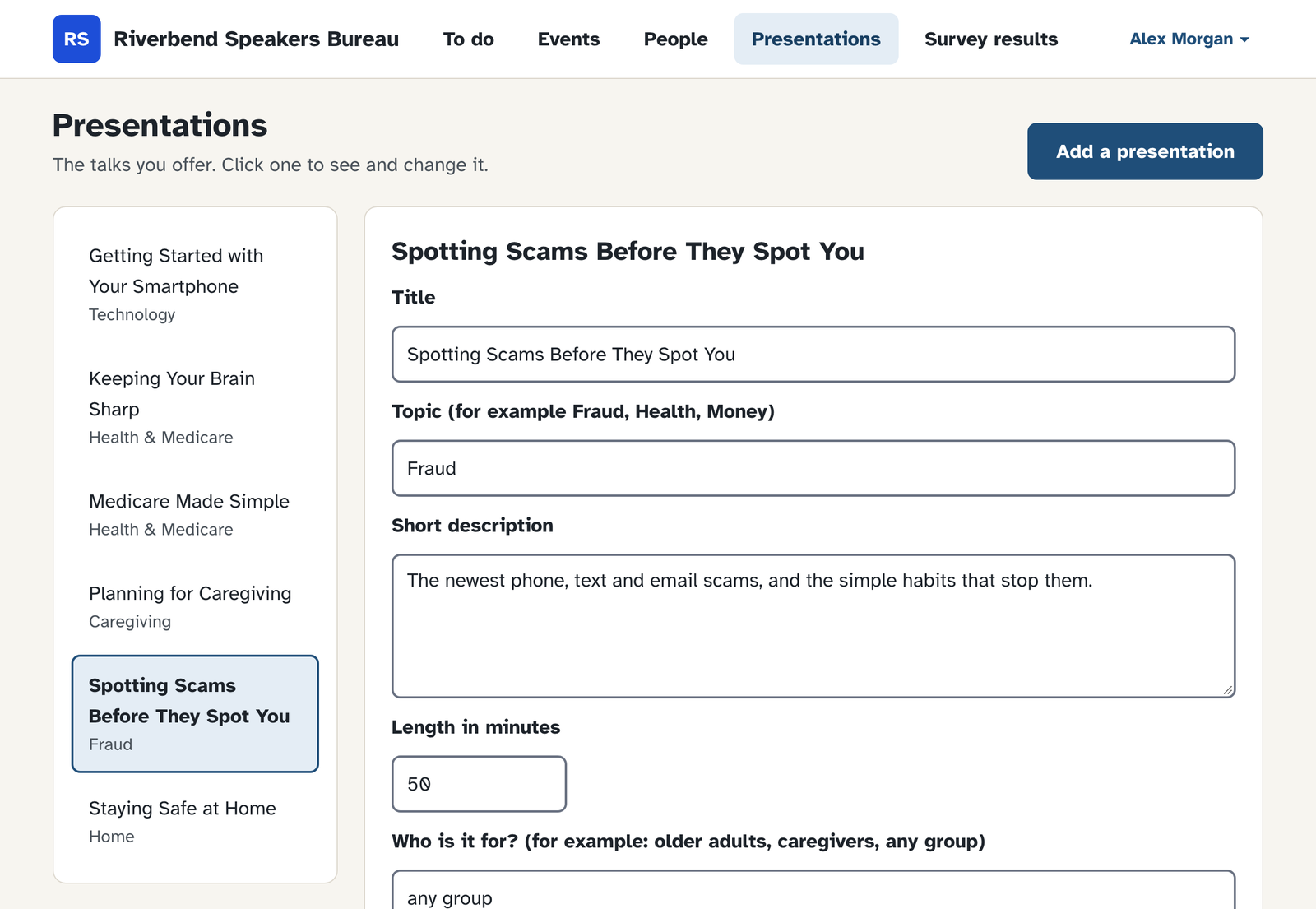
Keep your talk catalog
Titles, topics and short descriptions. Hosts pick from this list when they ask for a talk.
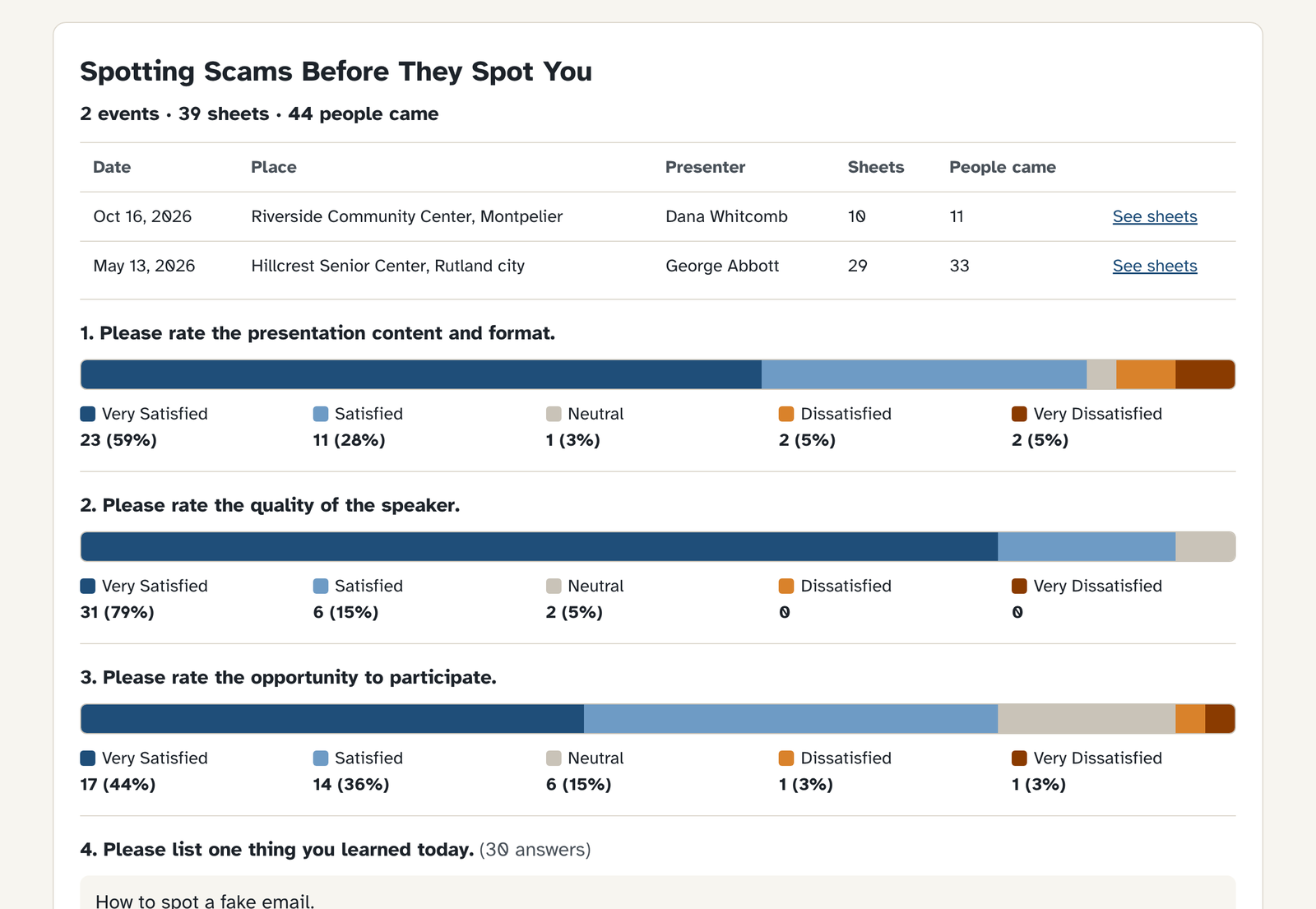
See what audiences thought
Survey sheets add up by talk, presenter or event. Download a spreadsheet any time.